Adrift Below
A downloadable game for Windows, macOS, Linux, and Android
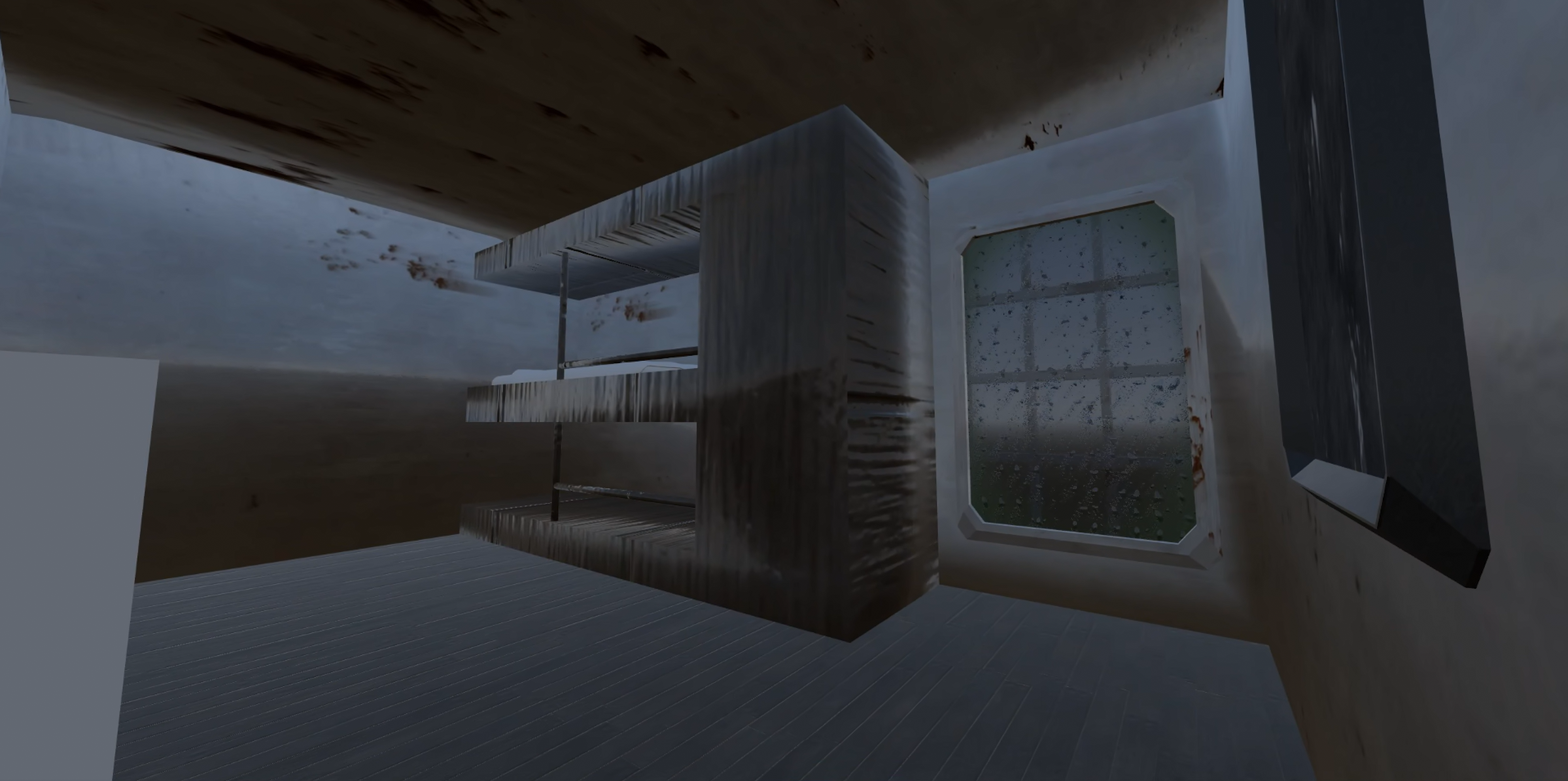
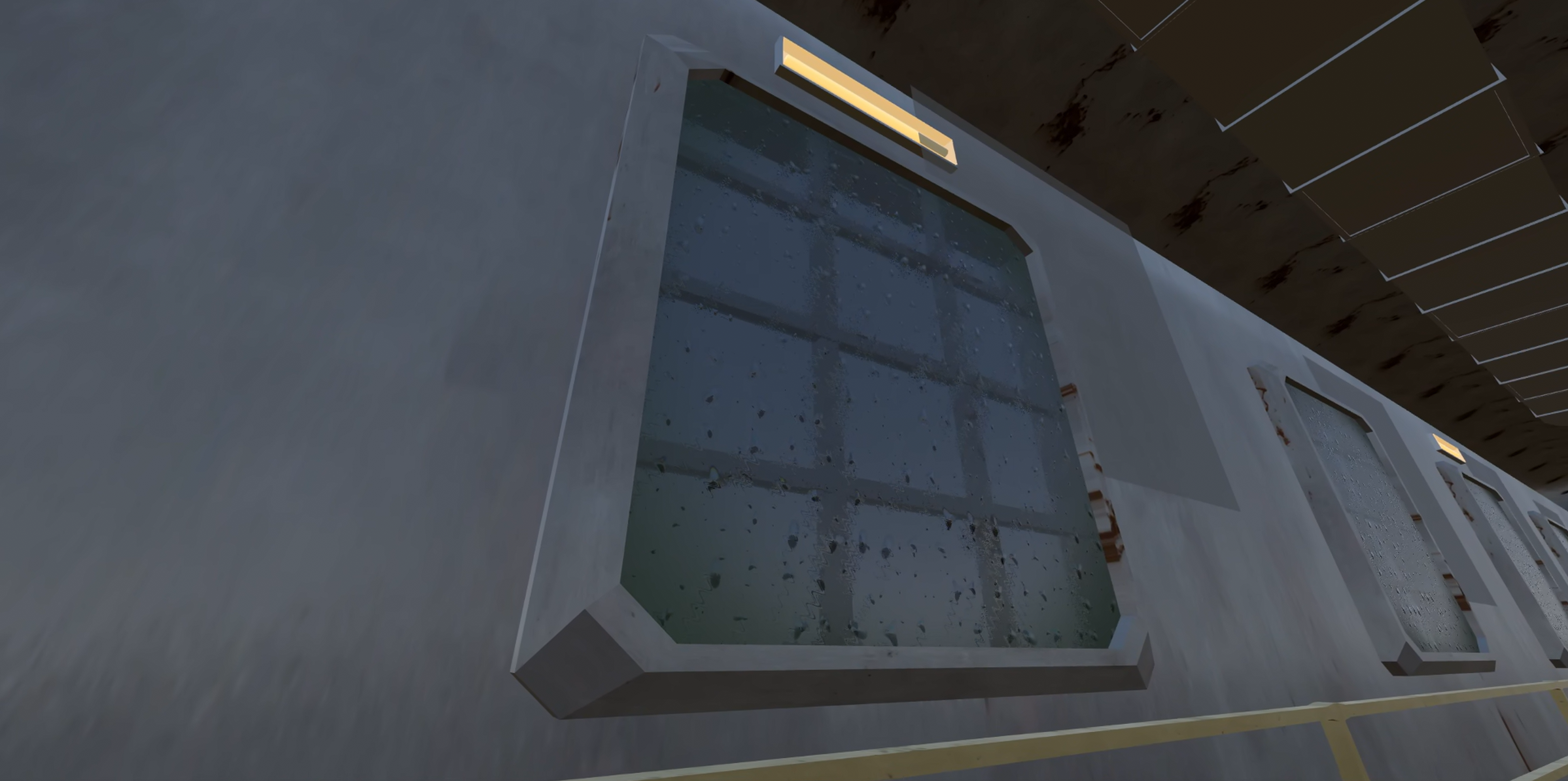
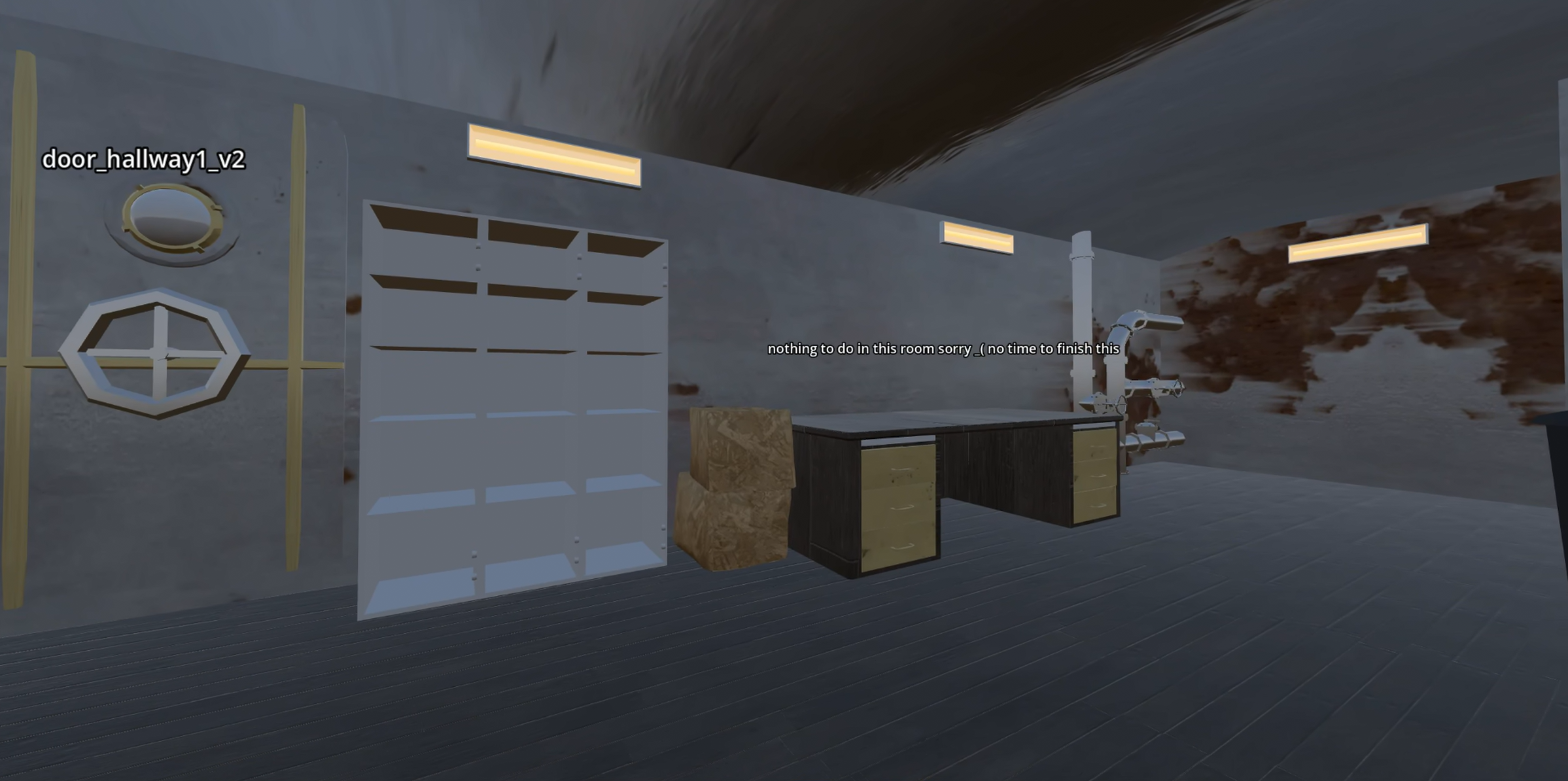
You wake up in a submarine Adrift Below the sea, can you make it out alive?
About the game
This is our first proper gamejam, so we underestimated the workloads and did not get to a satisfying milestone, you can still enjoy a few things me were able to make in time tho!
Made for Godot XR Gamejam VI
Average Playthough Lenght: 5min
Commands*
| Move | Left Stick |
| Turn | Right Stick |
| Grab | L2 & R2 |
*Note: Controls have currently only been tested on Meta Quest 2
Supported Platforms & Testing
- Fully tested on: Windows, Linux, and Meta Quest 2 (Standalone)
- Currently in testing: macOS (arm)
- Other releases: Available to download, but currently untested
If you try the game on an untested platform and run into any bugs or issues, please let us know in the comments!
Credit & Info
by creeloper27 and Kermite
Thanks also to AlekWalker for help with the sounds
AI disclosure: some ai tools were used to assist with shader and script making.
Download
Comments
Log in with itch.io to leave a comment.
Tested the Pico4 version: adrift_below_android_pico_armeabi-v7a.apk sadly after splash-screen no trigger-press works, guess you have to fix the openxr_action_map.tres Pico controller
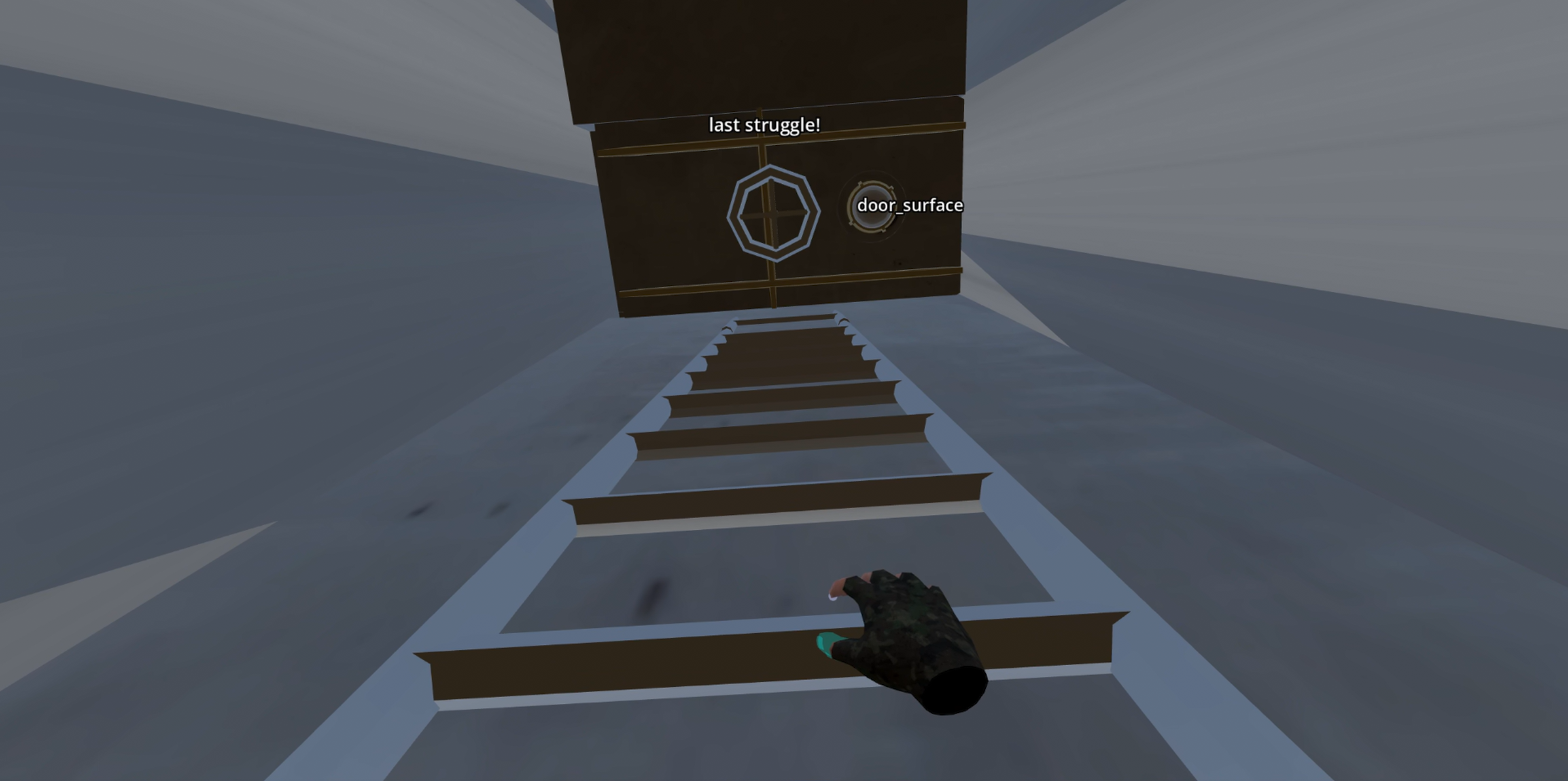
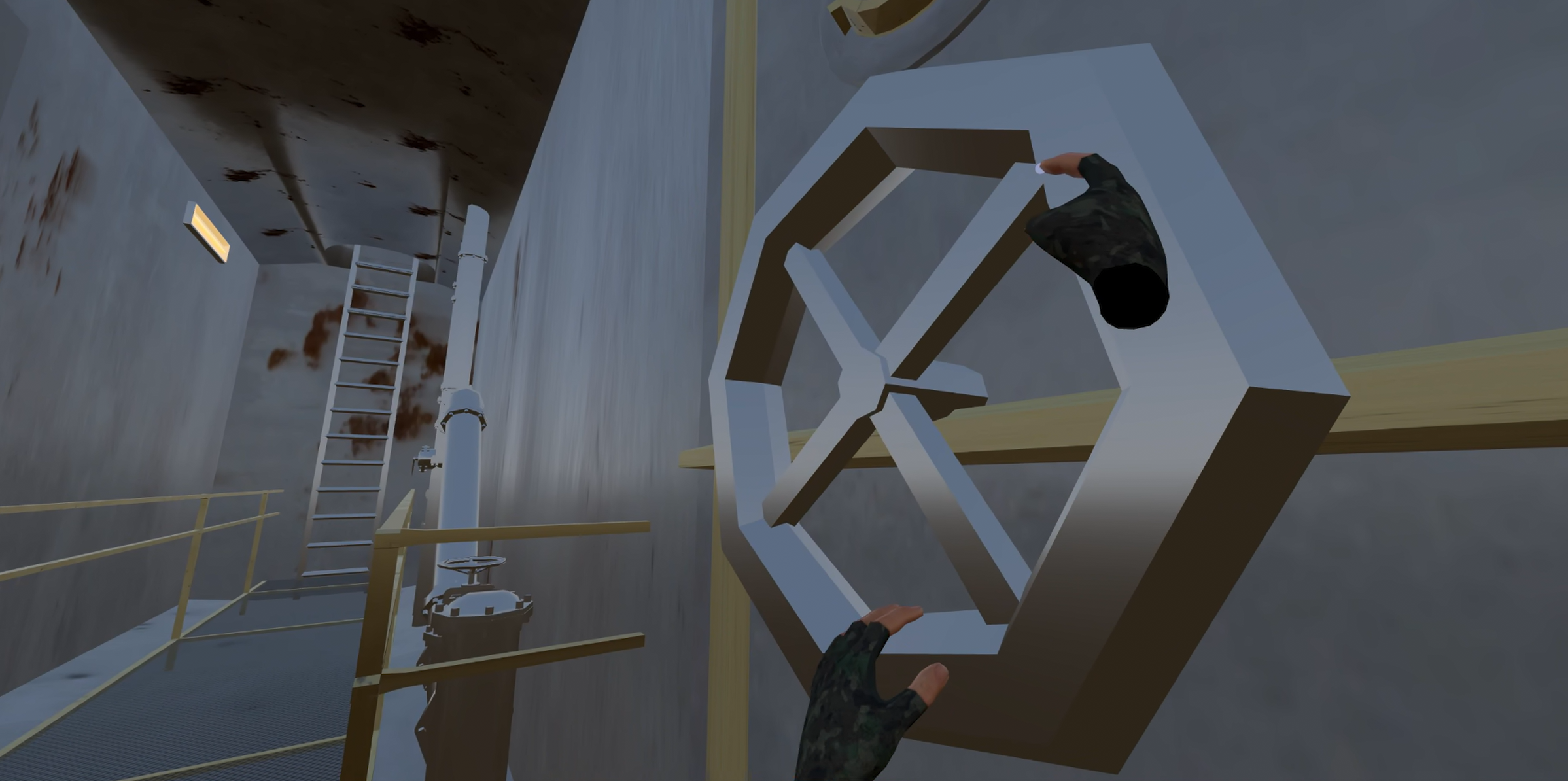
Thank you for letting me know, this is my first time building for XR so I thought the default action map was good enough for all build types, I guess not, so the trigger works in the initial godot screen to get past it? If that’s the case we don’t actually use the trigger button anywhere, we use the grab button for the handwheels and ladders and that’s about it, I’m guessing the problem is with the grab button not beeing mapped properly? (bear with me I’m very new to this XD)
From a short search using ai gemini it seems there is no godot/grab_click setup in the mappings, only the godot/grab is set, I’m guessing that could be the problem?
I’ve added the missing godot/grab_click mapping (hopefully in the right place!) and uploaded the 2 new pico builds.
Are you able to test if that solved the problem? If not do you have an idea on which mapping could be missing/wrong? I’m using the godot xr tools demo mappings.
Tested, sadIy did not change anthing. It's the controller press on the first XR-Godot-splash-screen, so I don't get into the real game. Guess it's wrong in the Bastiaan- and Malcom Nixon apps everywhere, when I remember correct. Both seems to only test with Quests. Bastiaan told me long ago, on Godot-editor, middle, bottom tabs 'OpenXR Action Map', 'Pico 4 controller', delete should fix, it rewites it new. (the openxr_action_map.tres is in your main folder res://openxr_action_map.tres on the left, bottom file-list in editor, make a secure-copy in case). Another tip, makes user easier to find your app if you don't use the default-Godot-icon: in Godot-Editor, top left-menu, Project, General, Application, Config, Icon (res://icon.png) you can design your own app-icon. Anyway, saw your U-Boot in video, would be nice if you could get it running for Pico4 too. ;)
I’ve also added icons and descriptions to all builds, thanks for the suggestion!
I might be doing something wrong here, I’ve deleted the Pico 4 controller mappings, they did not regenerate so I pressed “Reset to Default” (deleting the file gives an error as it has no file to save the mappings to it seemsthe same thing apperantely), I now have much fewer mappings but there is a “Pico 4 controller” mapping that was generated, tho clicking “save” does not save the mappings, if I open the mappings file the old ones show up -.-
update: I’ve just replicated the default mappings manually on my mappings file and now it seems they got saved correctly.
update 2: I’ve noticed the action set “grip_touch (Bool)” in my mappings (the godot xr tools demo ones) doesn’t exist and instead there is a “grip_force (Float)” in its place when I reset to defaults them! this could the problem
update 3: I’ve added “grip_force (Float)” to my mappings and uploaded 2 new pico builds using them, let me know if that fixed it potentially? It might be easier to just find another project that build for pico that you tried and works and ask that dev for his mappings tho.
Were you able to test the new pico build by any chance?